
Governed Onboarding
From scattered records to a governed privacy platform
Bring existing DPIAs, RoPA registers, supplier lists, system inventories, policies and documents into Acompli. Import, connect, enrich and start running assessments from a governed compliance foundation.
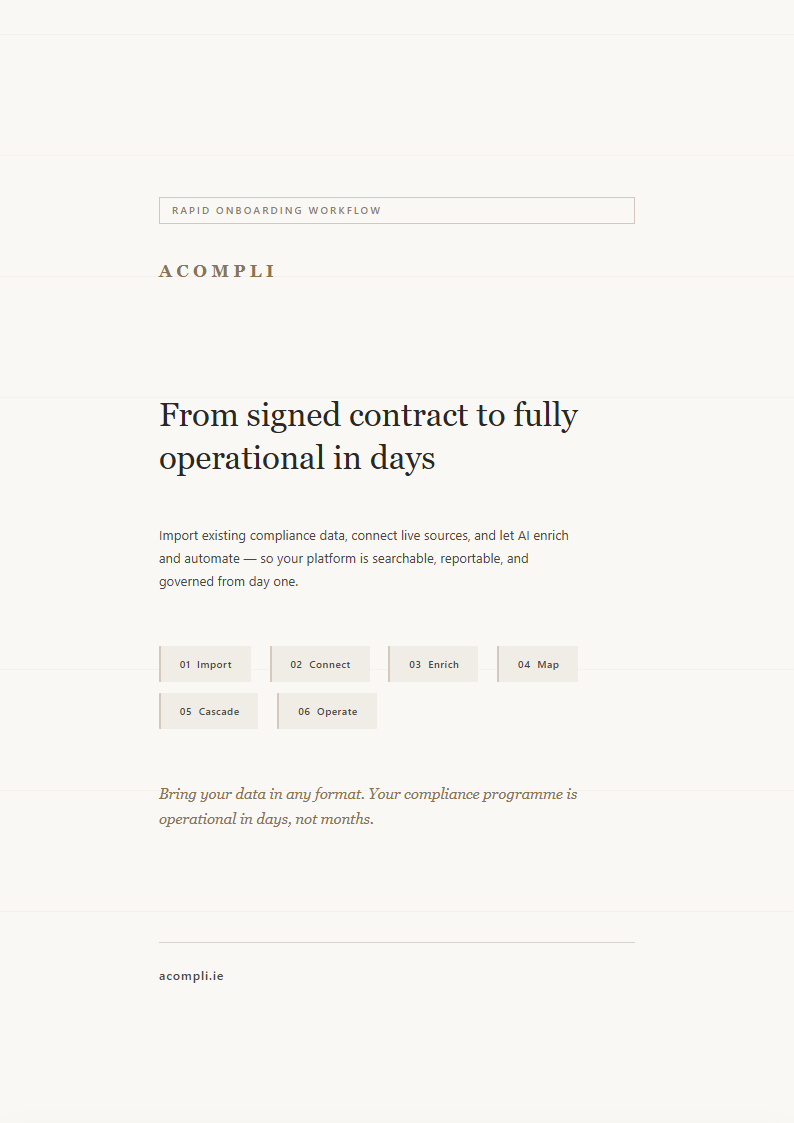
01Import02Connect03Enrich04Map05Cascade06Operate
On this page
01
The onboarding workflow
Six stages from raw data to a governed compliance programme
Bring existing Word DPIAs, Excel registers, system exports, policies, and architecture diagrams into a scoped workflow. Acompli drafts downstream records, data flows, and classifications for named reviewers to confirm.
01Import
Bring your existing compliance estate
Upload up to 50 existing DPIAs and import your RoPA register with AI-powered column mapping. Bulk-load IT systems, vendors, and locations from any spreadsheet format.
AI extracts question-answer pairs from documents, detects frameworks (GDPR, EU AI Act, ISO 27701), and proposes matching templates or tailored drafts for review. Duplicate detection via file hashing prevents re-imports. Acompli hash- and time-stamps every imported file, so the trail back to source is preserved from the first upload.
Assessment import
50 files per batch. PDF, DOCX, DOC. AI Q&A extraction with OCR for scanned documents.
RoPA spreadsheet import
Excel or CSV. AI maps columns to regulatory compliance fields with confidence scores.
Knowledge base bulk load
IT systems, vendors, and locations imported from agreed spreadsheet sources.
Accepted →PDF, DOCX, DOC, XLSX, XLS, CSV — including OneTrust and TrustArc export formats
02Connect
Bring in data from agreed source systems
Confirm the business systems, document stores, access method, and import scope during deployment planning. Where a connector is included in the deployment agreement, records can be brought into the same reviewed migration workflow.
Each imported entity retains its source for provenance, so a reviewer can trace a register entry back to the connector or file it came from. Any recurring sync and update schedule is agreed as part of deployment scope.
CMDB and asset sources
Systems, vendors, locations, and ownership data
Work-management sources
Projects and agreed issue records
CRM sources
Relevant company and supplier records
Identity directories
Agreed tenant and organisational context
Document stores
Policies, contracts, and supporting evidence
Spreadsheet imports
RoPA, vendor, system, and location inventories
Scope →Connector availability, access, and any recurring sync are confirmed in the deployment agreement
03Enrich
Draft regulatory metadata for imported entities
Imported knowledge-base entities can be enriched with draft data categories, data subjects, risk levels, and processing purposes for review.
Enrichment runs in batches for cost efficiency. Confidence scores accompany every classification. User edits are never overwritten — AI only fills empty fields. Acompli's enrichment drafts the classification; your team reviews and confirms before it stands as part of the record.
Data categoriespersonal_details, financial, employment0.92
Data subjectscustomers, employees0.95
Risk levelHigh0.78
Processing purposeHR management, payroll0.88
Draft →Proposed values carry confidence scores; your team reviews and confirms each governed record.
04Map
Data flows are drafted from imported entities
After KB entities are imported, Acompli creates draft nodes for every system, vendor, and location, then proposes flows from supplier relationships, shared data categories, and assessment linkages.
Seven diagram types generated from reviewable inputs: full landscape, international transfers, third-party relationships, IT interconnections, data category flow, process map, and customer journey.
Drafted nodes
Every imported entity becomes a node in the data map — systems, vendors, locations, departments.
Inferred flows
Supplier relationships, shared data categories, and assessment linkages become directional data flows.
Vision extraction
Upload architecture diagrams or whiteboard photos — GPT Vision extracts systems and relationships.
Seven diagram types
Full landscape, international transfers, third-party, IT interconnections, and more — generated from imported records.
05Cascade
Every import starts a reviewed downstream workflow
Upload your DPIAs and Acompli drafts RoPA records, extracts candidate risks, and builds data flow maps for review. One import, multiple compliance artefacts.
Assessment imports produce RoPA records. KB imports generate data-flow maps and trigger AI enrichment. Templates unlock new assessments. Vendor names trigger AI contract research that locates their DPAs and privacy policies.
Assessment upload
→
Template match, RoPA generation, risk extraction, reports
KB spreadsheet or connector
→
AI enrichment, TPRM registers, data mapping, Mermaid diagrams
Architecture diagram
→
Vision extraction, KB entities, AI enrichment, data mapping
Assessment responses
→
Real-time entity detection, KB suggestions, data mapping updates
06Operate
Move from imported records to reviewed operations
Foundation, enhancement, and operation are illustrative phases, not fixed-day commitments. Timing depends on source-data volume and quality, the agreed integrations and security work, and the availability of named reviewers.
As your team answers new assessment questions, Acompli detects every system, vendor, and location mentioned and suggests KB entries for review. The knowledge base grows from ongoing work.
Phase 1
Foundation
Tenant setup, agreed source imports, RoPA mapping, assessment upload, and initial data-flow drafts.
Phase 2
Enhancement
Draft classification, template matching, risk review, and workflow configuration.
Phase 3
Operational
Named reviewers confirm imported records, team assignments begin, and the first governed workflows are launched.
Result →A current, searchable register backed by a full import audit trail
How onboarding works, in six steps
- Import — Upload existing DPIAs and import your RoPA register with AI-assisted column mapping.
- Connect — Bring in data from the source systems and document stores agreed for your deployment.
- Enrich — Draft data categories and regulatory metadata for named reviewers to confirm.
- Map — Draft data-flow nodes and flows are proposed from the imported systems and vendors.
- Cascade — Each import drafts downstream RoPA records, candidate risks and data-flow maps for review.
- Operate — Start governed work once the imported records and operating controls have been reviewed.
02
Onboarding answer
What determines the onboarding timeline?
Because Acompli imports your existing Article 30 RoPA export, your Word/PDF DPIAs, and your CMDB or vendor inventory and maps each field for review — rather than asking you to rebuild from a blank tenant — existing records can shorten the migration. The actual timeline depends on their volume and quality, the entities and jurisdictions in scope, agreed integrations and security work, and reviewer availability.
AI enrichment classifies and maps the imported entities; a person reviews and approves before anything becomes an official record, and every import is hash- and time-stamped for a defensible trail back to source.
Key takeaways
- Scope before timing — source volume and quality, entities, integrations, security work, and reviewer availability define the migration plan.
- No schema rewrite or rekeying — an Article 30 import preserves all seven controller fields the DPC and ICO look for under Article 30(1)(a)–(g), and Word/PDF DPIAs keep their Article 35(7) narrative verbatim with the original file hash- and time-stamped as evidence. See what a RoPA must contain.
- Transfers and AI systems are surfaced for review — flows to non-EEA countries are flagged as Schrems II items (SCCs, an adequacy decision, or an Article 49 derogation), and imported AI systems are flagged against EU AI Act Annex III; the high-risk determination stays human-approved. Read the Schrems II / TIA guide · EU AI Act module (AI System Register available on opt-in (early access)).
- Every import is auditable — each file is hash- and time-stamped with who imported what, so the trail back to source is defensible under the Data Protection Act 2018 (Ireland) and the UK GDPR (ICO).
03
Primary sources
What a migrated programme must preserve for the DPC and ICO
An Article 30 import preserves the seven controller fields under Article 30(1)(a)–(g); Word/PDF DPIAs keep their Article 35(7) narrative verbatim; transfers to non-EEA countries are surfaced as Schrems II items for review. The high-risk EU AI Act determination stays human-approved.
Last reviewed: 3 June 2026.
Connected Acompli pages
What a RoPA must contain details the Article 30 fields; the Schrems II / TIA guide covers transfers; EU AI Act owns the Annex III classification (AI System Register on opt-in / early access).
04
Migration comparison
How should you evaluate a privacy-platform migration?
Ask every provider how it preserves source records, handles gaps, scopes integrations, routes classifications to accountable reviewers, and records what changed during migration. A useful comparison starts with evidence and ownership rather than a headline duration.
| Migration question | What to require | Acompli workflow |
|---|---|---|
| What defines the plan and timeline? | Named source systems, data volumes, security dependencies, review owners, and acceptance criteria | Scope and sequence are agreed before import; timing follows the confirmed data, integration, security, and review work |
| How is an existing RoPA migrated? | Field-level mapping, visible gaps, and reviewer sign-off against Article 30 | XLSX/CSV or agreed source exports are mapped to Article 30 fields for review |
| What happens to existing DPIAs? | Preserved narrative, linked original evidence, and clear treatment of missing fields | Supported Word/PDF records are structured for review while the original remains linked as evidence |
| How are international transfers handled? | Possible non-EEA flows surfaced with the destination, mechanism, and supporting evidence left for human confirmation | Imported location and supplier context can flag records for an SCC, adequacy, or Article 49 review |
| Can the migration itself be audited? | Source provenance, import history, transformations, review decisions, and named ownership | Imported files are hash- and time-stamped, with drafted outputs routed through named review |
Legal and high-risk classifications remain the controller’s decision — AI drafts, maps, and flags; a human approves. For the underlying obligations see RoPA requirements guide (Ireland & UK), when a DPIA is required, and Transfer Impact Assessments.
Common questions
Onboarding questions answered
See governed onboarding in action
Bring the records you already have and see how Acompli maps them into reviewable, traceable workflows. Scope, integrations, security work, and timing are agreed for your deployment.
See how Acompli is packaged and priced on the pricing page.