Data mapping
A living map of where personal data moves
Acompli gives you a visual, connected view of systems, third parties, and international transfers. The map stays current because it is fed by the same workflows you use for assessments, risk, and RoPA.
Connected flows. Reviewable changes. Evidence behind every node.
From scattered context to a living data map
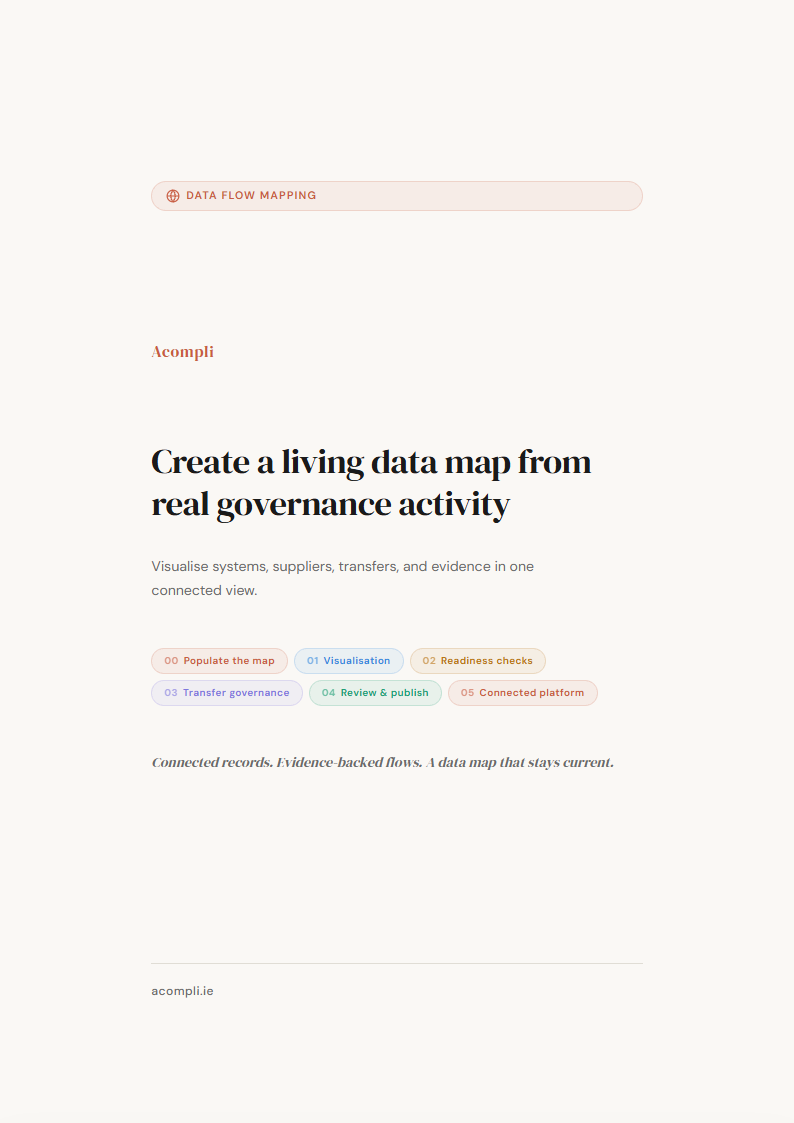
Six stages keep your data map connected to the governance decisions and source evidence behind every published relationship.
Bring in systems, suppliers, and processing activity
Record systems, vendors, locations, and processing activities as part of normal assessment and governance work — or import them from existing registers.
Acompli supports structured intake of supplier and system information so organisations can build connected records within a connected, governed structure. AI-assisted mapping helps interpret current layouts and propose likely matches.
Systems & Processors
Import from Excel/CSV or register as part of assessment workflows.
Locations & Transfers
Geographic context linked to systems and suppliers for transfer visibility.
Assessment Discovery
Entities identified during assessment work surfaced as draft map entries.
Six practical ways to explore your data
By System
See what data each IT system processes.
By Data Category
Find processing of a specific type of personal data.
By Legal Basis
Group activity by lawful basis.
By Retention Period
Spot data held beyond its stated period.
By Location
Review domestic and cross-border flows.
By Third Party
See which vendors have access to what data.
See the full picture and keep it current
Maintain a living view of flows, transfers, and dependencies with governance built in. Connected flows. Reviewable changes. Evidence behind every node.
Frequently Asked Questions
Is data mapping only a one-time compliance exercise?
No. It stays useful when it changes with your systems, vendors, and processing activity. Acompli keeps mapping connected to the workflows that already govern that work, so updates happen as part of normal review rather than through a separate clean-up exercise.
How does data mapping support GDPR compliance?
A clear view of data flows supports Article 30 records, transfer governance, and risk-based decision-making. The goal is faster, more consistent answers backed by structured evidence that auditors and regulators can verify.
Can we import an existing data map?
Yes. Existing records can be imported into Acompli so teams do not need to start from scratch. Imported items remain reviewable, and the wider platform can keep enriching them as new assessments and records are approved.
Does data mapping replace RoPA or DPIAs?
No. Mapping, RoPA, and DPIAs serve different purposes. Acompli keeps them connected so you can move from a map to the right record, assessment, or risk entry without re-keying the same information.